Class schedules set up once, and attendance recorded seat by seat.
Set up a recurring schedule once, take bookings from the studio page and the front desk, then record who came, right in the session.
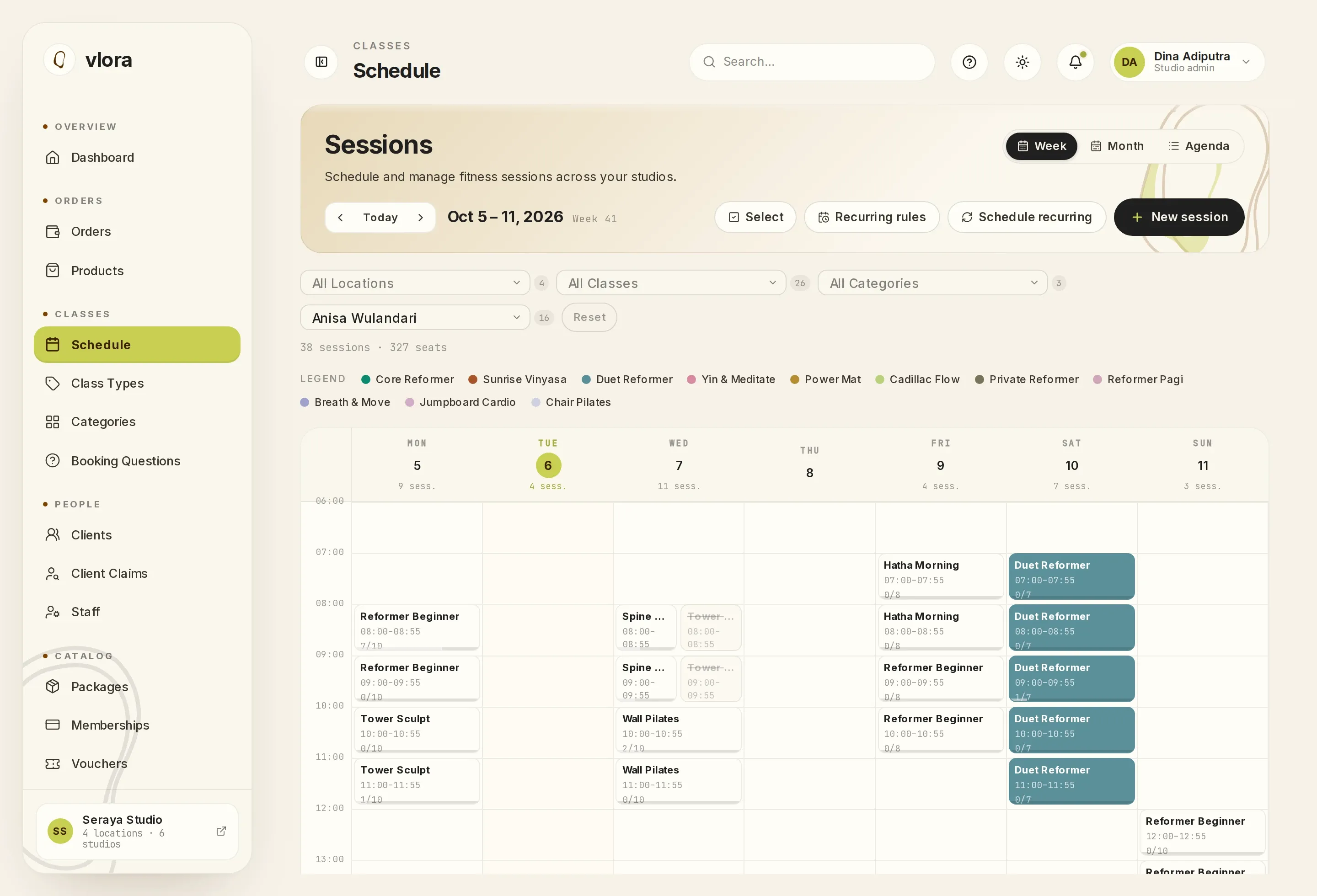
“Vinyasa every Monday, Wednesday and Friday at 06:30, until the end of the year.”
A recurring schedule is set up once.
Dates that clash or have been cancelled are skipped automatically. When an instructor, room, price or capacity changes, edit many sessions at once.
Clients already booked into a session that changes get an email.
Two classes cannot use the same room at the same time.
Vlora refuses a session whose room or instructor is already scheduled at that time. A clash shows up while the schedule is being set up, before any client has booked.
Staff see the schedule by week, by month or as an agenda.
Filter by location, class and instructor. Instructors can be limited to seeing only their own sessions.
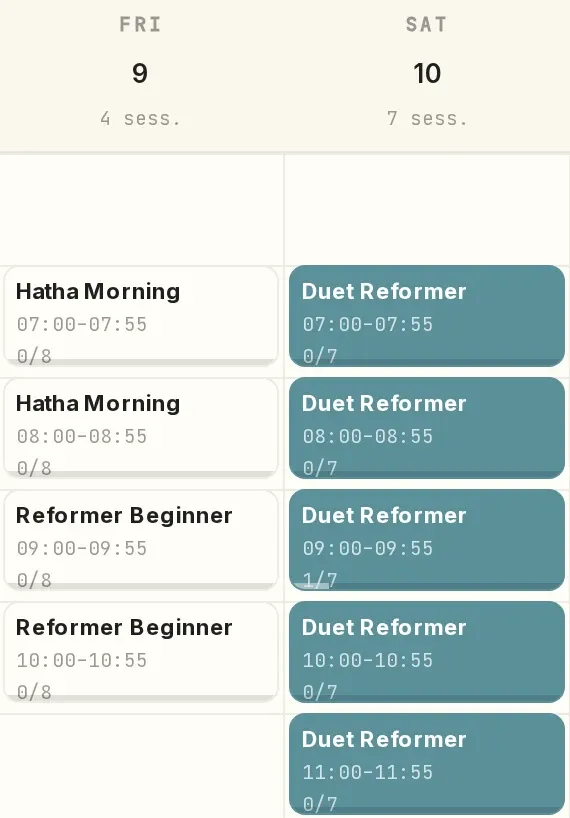
Front desk staff make bookings at the desk.
One order can hold several classes and several seats, for a registered client or a walk-in. How the client pays is recorded on the same order: cash, class pack, membership or voucher.
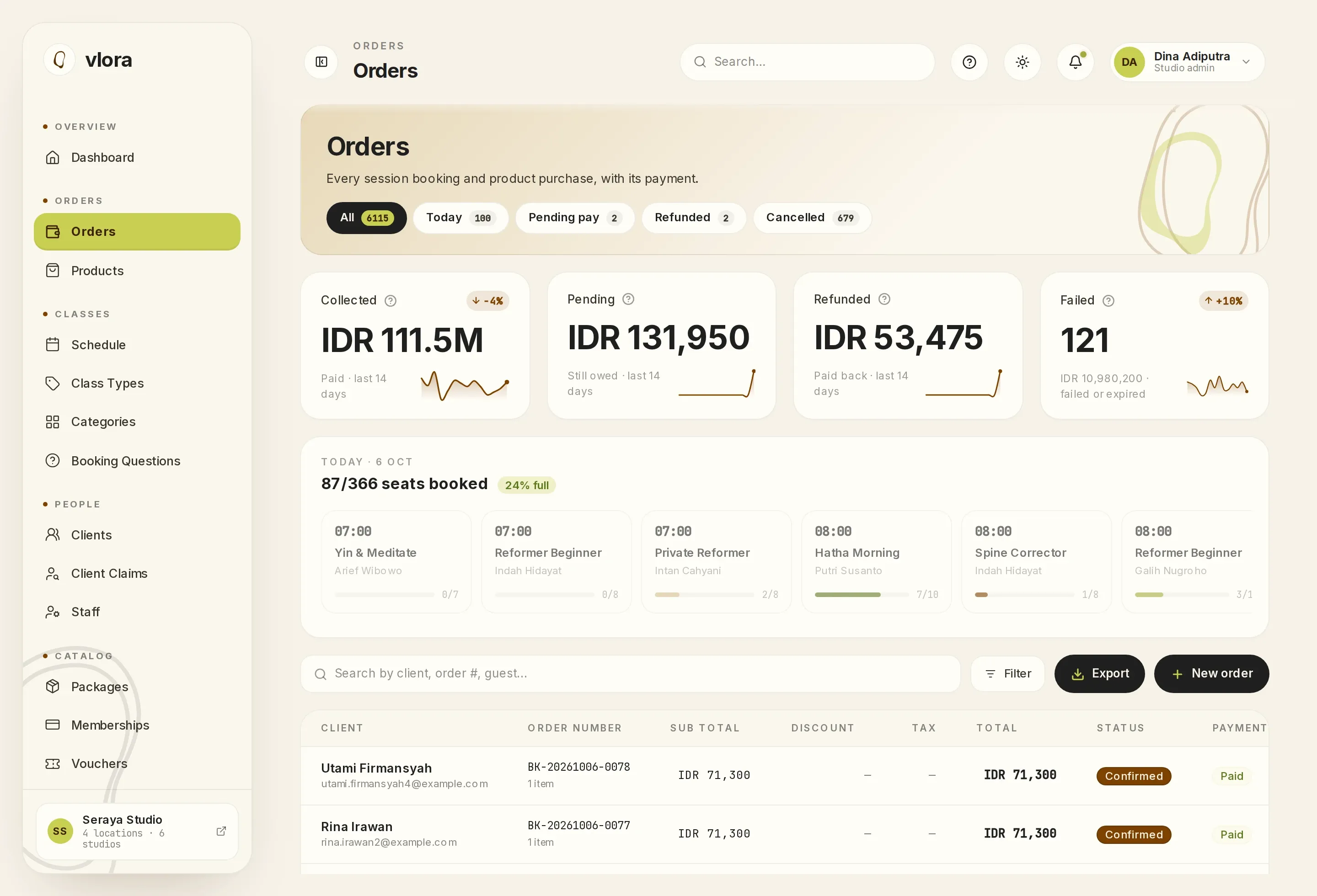
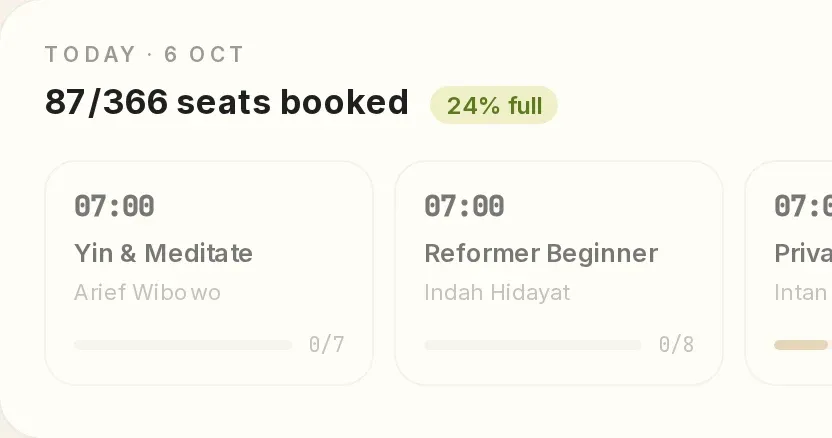
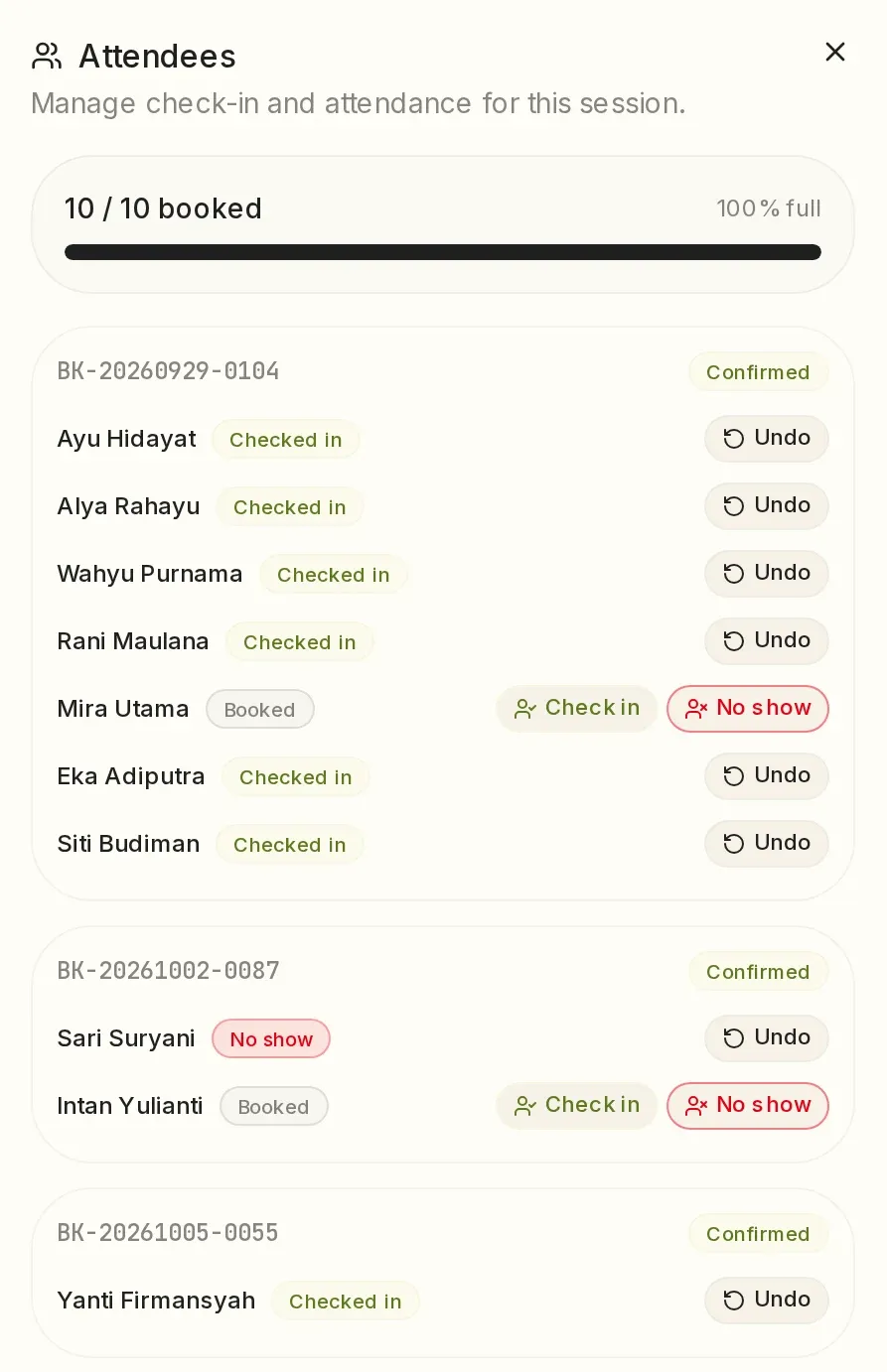
Seat-by-seat check-in, right in the session.
Mark each person as checked in or no show. Instructors can record attendance for their own classes, and the attendance list for each room can be exported to Excel.
Questions about scheduling and attendance.
Can I set up a schedule for several months at once?
Yes, with a recurring schedule. One schedule, for example Vinyasa every Monday, Wednesday and Friday at 06:30, runs until the date you set.
Can instructors see only their own classes?
Yes. With the instructor role, the calendar shows only the sessions they teach, and they can record attendance.
Can the attendance list be exported?
Yes, to Excel, one list per room.
See a week of your studio in the Vlora calendar.
Tell us about your classes, locations and studio rules on WhatsApp. We'll prepare a 30-minute demo with those rules, at a time you choose.
One subscription fee, every feature, no setup fee. See pricing
This site covers only some of Vlora's features. In the demo, you can ask about anything it leaves out. See all features
Send the message, and we usually reply within one working day.
If you would rather write first, email [email protected] or message us on WhatsApp.